Pricing Your Rentals Clearly
Set a clear base price and disclose supported additional charges so renters can understand the economics of the listing before they request a booking.
Why this matters
Pricing clarity improves trust and prevents disputes caused by renters discovering mandatory charges too late.
Step by step
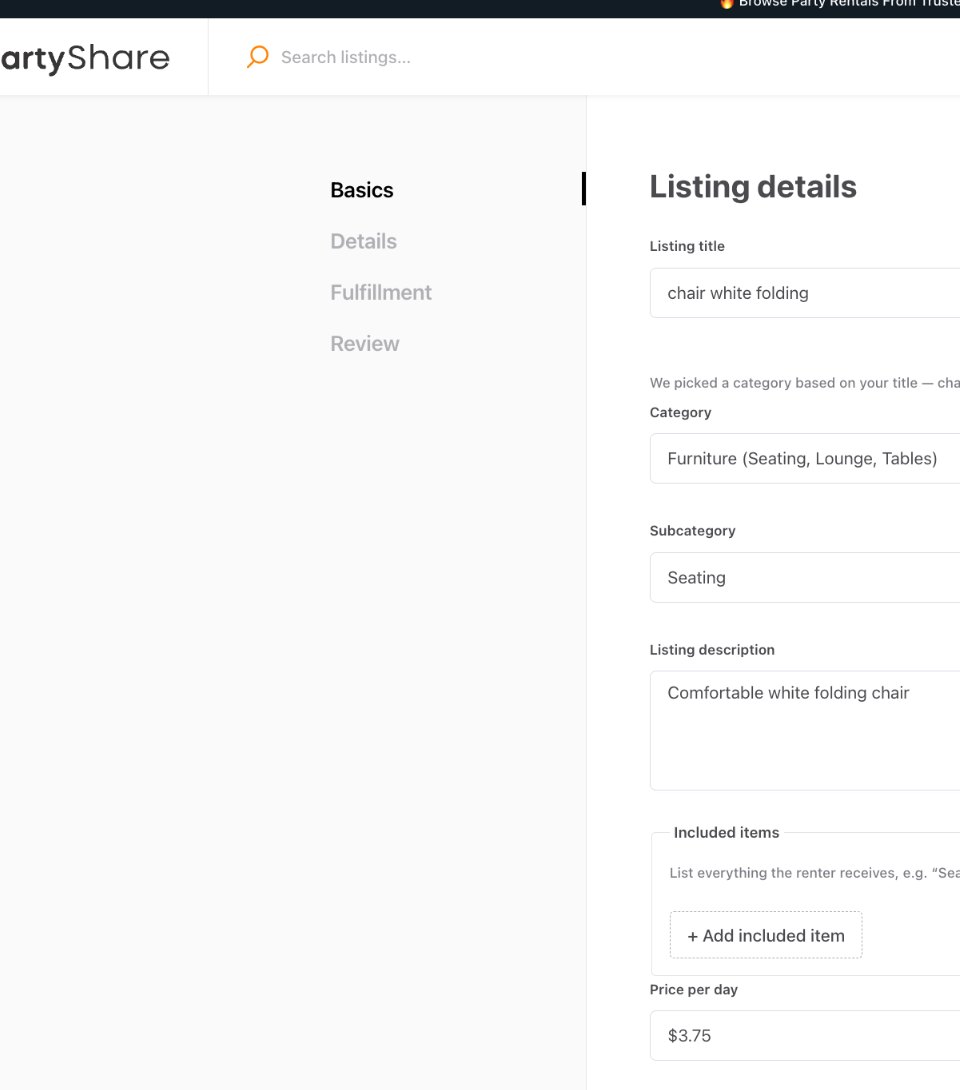
Set the base price in the correct field
Enter the Price per day shown in the current listing editor. Keep the number aligned with what you actually intend to charge for the base rental.
Separate additional charges
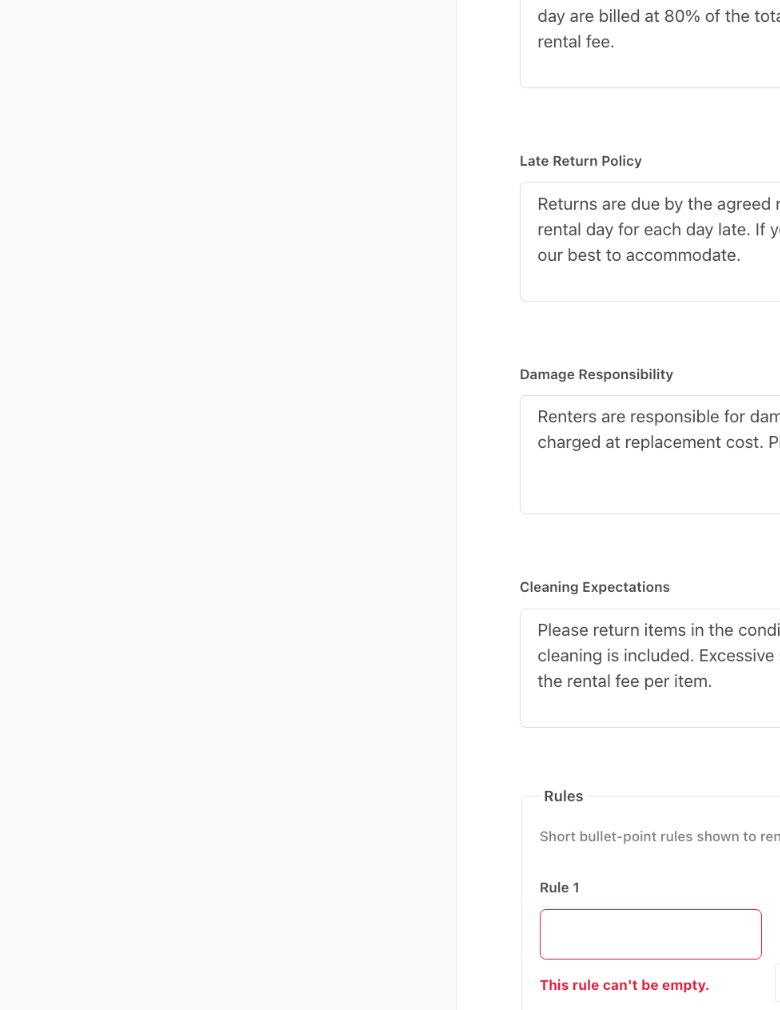
When PartyShare provides an Additional fees field, use it for supported charges that belong outside the base price. Give the fee a clear name, amount, and description when appropriate.
Disclose fulfillment pricing
Configure pickup or delivery charges through the fulfillment controls PartyShare provides. Do not promise one delivery price in the description and display another in the structured listing.
Use only supported pricing models
The strategy anticipates several pricing concepts over time, but vendors should use only the controls currently present in their PartyShare account.
Review the renter-facing listing
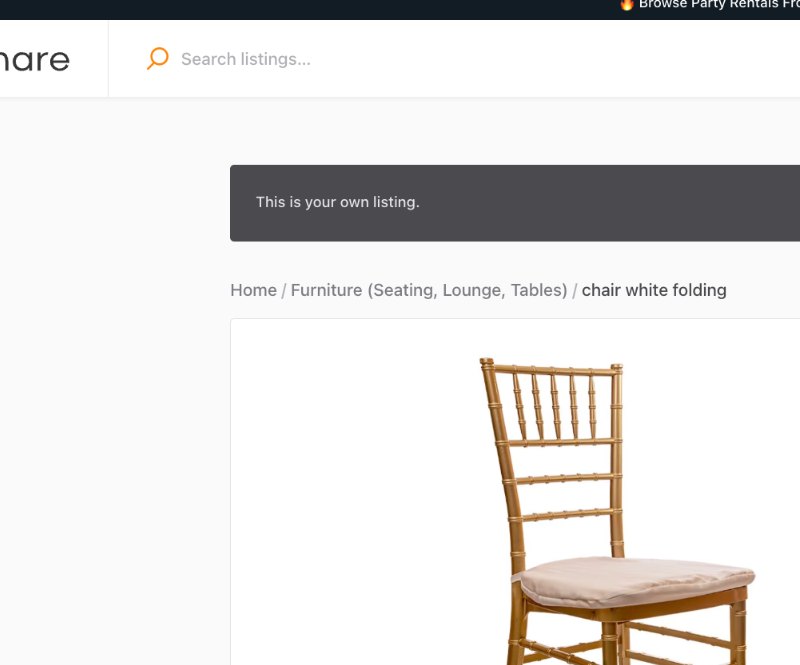
Open the published page and confirm the base price, fulfillment charges, and additional fees are understandable together.
Keep pricing current
If your operating costs or catalog structure change, update the listing before accepting new bookings.
Correct vs. avoid
Good approach
A $3.75/day item with a clearly named additional fee shown in the structured fee section and fulfillment charges visible in the listing.
Avoid
A low headline price used to attract clicks while unavoidable charges appear only in a long description or are introduced later in messages.
Completion checklist
- Base Price per day is accurate.
- Supported additional fees have a clear name and amount.
- Fee descriptions explain what triggers the charge when needed.
- Fulfillment pricing matches the option shown to renters.
- No unavoidable fee is buried only in description text.
- I reviewed the published listing before accepting bookings.
Common mistakes
- Using the description as the real price sheet.
- Creating a fee name the renter cannot understand.
- Leaving old prices live after costs or inventory change.
- Double-counting a charge in both base price and fee.
- Quoting a different mandatory total in messages than the listing suggests.
Frequently asked questions
Where is the base price entered?
The current PartyShare listing Basics screen includes Price per day.
Understand every component of the renter-facing total
The verified listing flow currently includes Price per day, structured Additional fees, and fulfillment charges where supported. The blueprint also requires vendors to understand the concepts below even when they are not separate controls in the current beta. Only use controls and pricing models PartyShare actually exposes or approves.
| Pricing concept | How to handle it |
|---|---|
| Base rental price | Use the structured base price field for the core rental. |
| Rental duration / additional days | Use the current PartyShare duration model. Do not promise a separate rate unless the workflow supports it. |
| Quantity pricing | Make sure the displayed unit/base price and quantity produce a total the renter can understand. |
| Variant pricing | If supported, keep each configuration's price accurate. Do not bury unavoidable price differences in messages. |
| Mandatory fees | Use structured Additional fees or another approved PartyShare field; never hide unavoidable charges in free-form copy. |
| Optional add-ons | Clearly separate optional items from the base rental. |
| Delivery | Configure through the fulfillment workflow PartyShare actually supports. |
| Setup / teardown | Disclose through an approved structured charge or workflow if applicable. |
| Minimum order | Only state one if the current workflow can enforce or clearly disclose it. |
| Deposit / protection | Use only approved PartyShare controls and language. |
| Taxes / PartyShare fees | Do not invent them. Use amounts and explanations produced by the current checkout/payment flow. |
| Refund implications | Follow the approved cancellation/refund terms shown for the order. |
Example: show the renter the economics clearly
The point of the example is not the specific numbers. It is that the renter should not discover an unavoidable charge only after messaging the vendor.
Completion checklist
- Base Price per day is correct.
- Rental duration rules are understood.
- Quantity/variant pricing is clear when supported.
- Mandatory fees use structured PartyShare fields.
- Optional add-ons are separated from base price.
- Delivery charges use supported fulfillment controls.
- Setup/teardown charges are disclosed through approved fields if applicable.
- Minimum order is only stated when supported/enforceable.
- No invented deposit/protection charge.
- No invented tax or PartyShare fee.
- Published listing shows a clear renter-facing total structure.
- Refund implications match approved terms.